How Much Do Managed IT Services Cost in Sydney? (2026 Guide)

If you run a small or medium business in Sydney, sooner or later you will ask: what should managed IT support actually cost us? Most providers do not publish prices, and the ones that do often compare very different things. This guide explains what businesses are typically paying in 2026, what is (and is not) included, and how to compare quotes properly.
The short answer
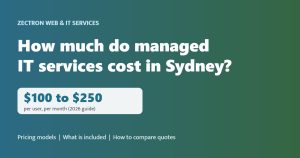
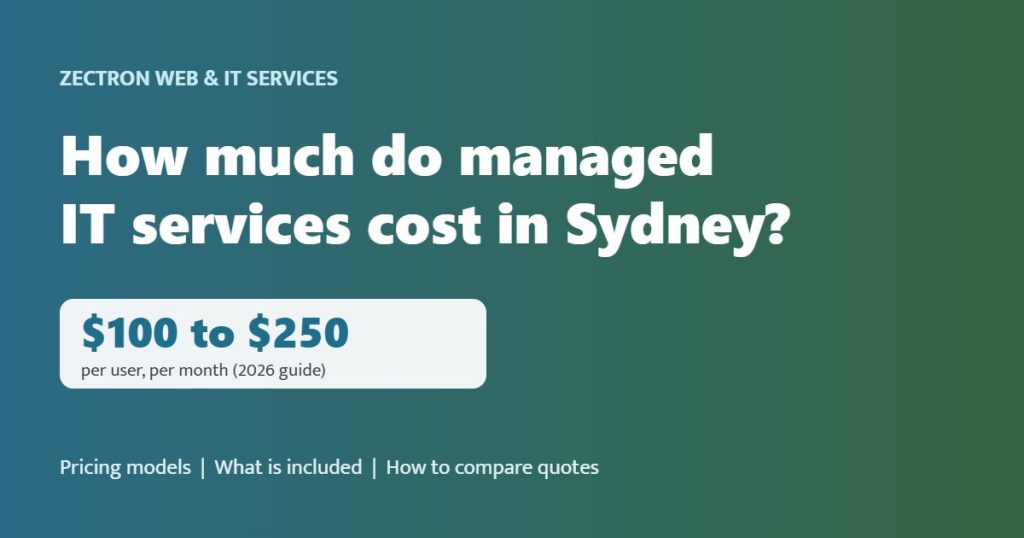
Published Australian pricing guides for 2026 put fully managed IT support for small and medium businesses at roughly $100 to $250 per user, per month. Where you land in that range depends on how much is included, how many people and devices you have, and how much security and compliance work your industry needs.
| Pricing model | Typical 2026 range | Best suited to |
|---|---|---|
| Per user, per month | $100 to $250 | Most offices, where each person has a laptop, phone and Microsoft 365 |
| Per device, per month | About $50 to $150 per workstation, more for servers | Shared devices, shift work, manufacturing and warehouses |
| Fixed monthly fee for the whole business | Quoted after a review | Businesses that want one predictable number for budgeting |
| Ad-hoc (break-fix) | Commonly $150 to $250 per hour | Very small teams with simple needs, accepting the risk of downtime |
Ranges are drawn from Australian MSP pricing guides published in 2026. They exclude GST, software licences and hardware.
What a proper managed IT plan should include
A low per-user price is meaningless if the important parts are extra. A genuine managed plan usually covers:
- Helpdesk support for your staff by phone, email and remote session during business hours
- Proactive monitoring of computers, servers and network equipment, ideally 24/7
- Patching and updates for Windows, macOS and key business applications
- Endpoint protection such as managed antivirus or EDR
- Microsoft 365 administration, including new starters, leavers and mailbox changes
- Backup monitoring, with restores tested rather than assumed
- Asset and warranty tracking, so you know what you own and when it needs replacing
- Regular reviews with someone who understands your business, not just a ticket number
What is usually charged separately
When comparing quotes, check whether these are included or billed on top:
- Software licences, such as Microsoft 365, Adobe or line-of-business applications
- New hardware, such as laptops, firewalls and switches
- Projects, such as server migrations, office moves or a move to the cloud
- After-hours or weekend support
- On-site visits beyond any included allowance
- Onboarding or setup fees, which some providers charge to take over from your previous IT company
- Advanced security and compliance work, such as Essential Eight maturity uplift or cyber insurance questionnaires
What pushes the price up or down
Factors that increase cost
- Compliance requirements. Medical, legal, financial and government-facing businesses need more security controls and documentation.
- Older systems. Ageing servers, unsupported software and undocumented networks take more time to look after.
- Multiple sites. More locations means more network equipment and more on-site travel.
- Round-the-clock support expectations. Having technicians available after hours costs more than business-hours support.
Factors that reduce cost
- Cloud-first setups built on Microsoft 365, with fewer on-premises servers
- Standardised devices, so every laptop is set up the same way
- Good security habits, such as MFA everywhere and staff who report suspicious emails
- Larger teams, which often attract a lower per-user rate
Managed IT versus paying as you go
Break-fix support looks cheaper on paper because you only pay when something breaks. In practice, small businesses on break-fix tend to pay in other ways: hours of downtime while waiting for help, problems that could have been caught early, and no one keeping patches, backups and security settings up to date between call-outs. One serious outage or cyber incident can easily cost more than a year of managed support.
Managed IT turns that unpredictable cost into a fixed monthly fee, and shifts your provider’s incentive from fixing problems to preventing them. For a closer look at the day-to-day work, read what a managed IT services provider actually does for a Sydney SMB.
How to compare managed IT quotes
- Compare like for like. List what each quote includes, using the checklists above, before you compare prices.
- Ask about response times. How quickly will someone pick up a call, and how quickly can they get on site if needed?
- Ask what security is included. MFA, patching, endpoint protection and backups should be standard. Ask how the provider aligns with the ASD Essential Eight.
- Check the contract terms. Understand the term, the notice period and what happens to your passwords and documentation if you leave.
- Ask for local references. A provider that looks after similar businesses nearby will understand your needs faster.
How Zectron prices managed IT
We keep it simple. We start with a free IT Health Check of your current setup, then quote one fixed monthly fee that covers your helpdesk, 24/7 monitoring, patching and an Essential Eight aligned security baseline, so you can budget with no surprise invoices. Our helpdesk runs Monday to Friday, 9am to 5pm, and we can be on site within 1 hour in Norwest. We support businesses across the Hills District and all of Sydney.
Want to know what your business would need? Book your free IT Health Check, call us on 1300 133 770, or start with our free cyber risk scan. You can also learn more about our managed IT services.
Frequently asked questions
How much does managed IT support cost per user in Sydney?
Published Australian pricing guides for 2026 put fully managed IT support at roughly $100 to $250 per user, per month, excluding GST, licences and hardware. The price depends on what is included and how much security and compliance work your business needs.
Is managed IT cheaper than paying an IT person by the hour?
Hourly break-fix support can look cheaper, but it usually costs more over a year once downtime, emergency call-outs and missed maintenance are counted. Managed IT gives you a fixed monthly cost and a provider focused on preventing problems.
Does a managed IT fee include Microsoft 365 licences?
Usually not. Most providers charge Microsoft 365 and other software licences separately from the support fee, although some bundle them. Always check this when comparing quotes.
Why does Zectron not publish prices?
Every business is different, so we start with a free IT Health Check and then quote one fixed monthly fee. That way you get a price that matches what you actually need, with no surprise invoices later.
Is your business protected?
Get a free cyber risk scan and see what attackers can see about your business. It takes about two minutes, with no obligation.
Prefer to talk? Call 1300 133 770 or book a 15-minute call.